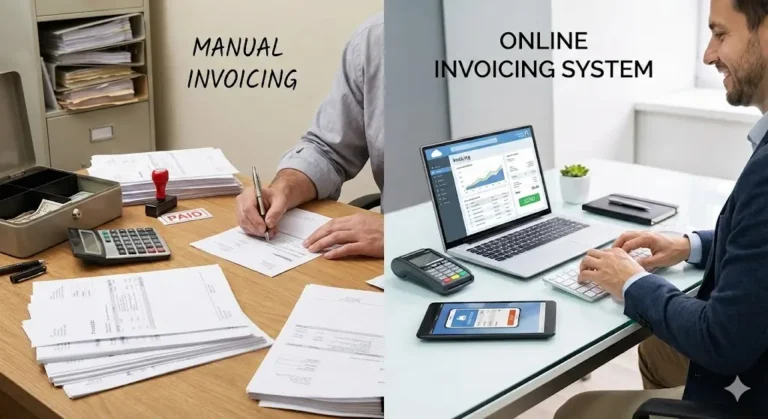
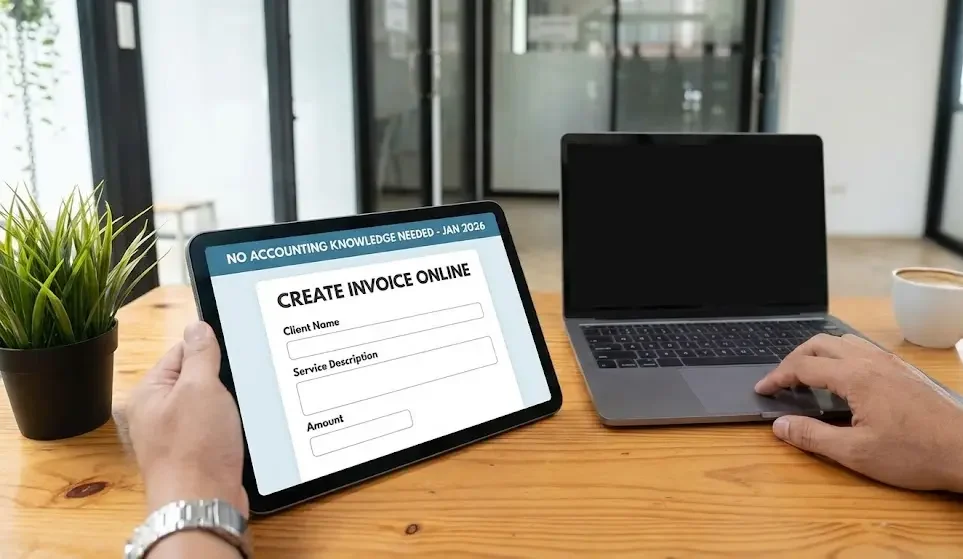
Invoicing is one of the most critical tasks for freelancers, startups, and small business owners. Many assume it requires accounting expertise, but modern online tools have transformed invoicing into a simple, accessible process. With the right approach, anyone can create accurate, professional invoices while saving time and reducing errors, even without financial experience.
Why Online Invoicing Matters
Proper invoicing is essential for maintaining cash flow, keeping financial records organized, and fostering strong client relationships. A well-structured invoice communicates professionalism and reliability. Mistakes, delays, or unclear invoices can lead to late payments, disputes, and lost trust. Online invoicing platforms are designed to simplify these tasks, allowing businesses to focus on growth rather than administrative headaches.
Choosing the Right Invoicing Platform
The foundation of stress-free invoicing is selecting the right tool. Look for platforms that are intuitive, with guided workflows, pre-designed templates, and automatic calculations. Key features to prioritize include:
- User-friendly interface with minimal accounting jargon
- Customizable invoice templates
- Automatic calculations for totals, taxes, and discounts
- Client management and recordkeeping capabilities
- Options for digital delivery and payment tracking
Ease of use outweighs advanced features for most freelancers and small business owners. The goal is accuracy, speed, and simplicity.
Setting Up Your Business Information
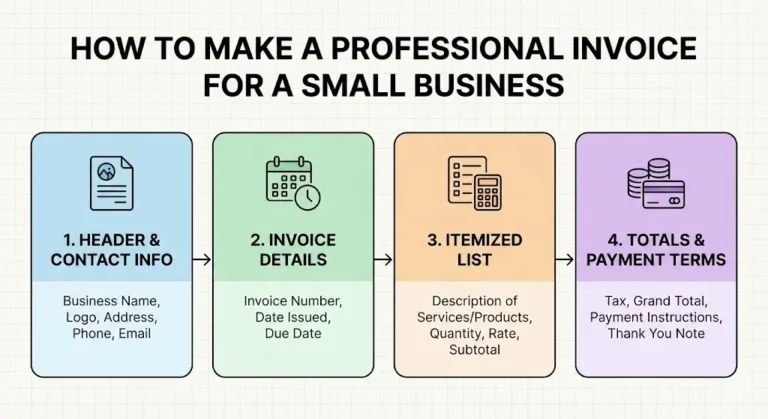
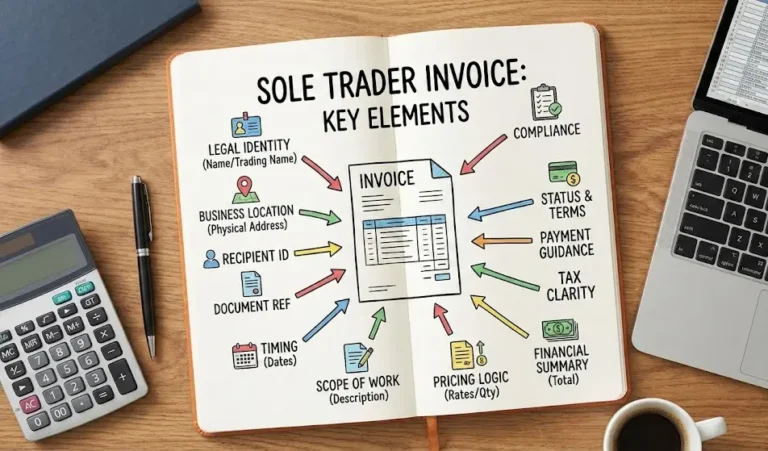
Most online platforms allow you to input your business information once, which automatically populates every invoice. Essential details include:
- Business name
- Contact information
- Business address
- Logo or branding elements (optional)
This ensures consistency and professionalism on every invoice while saving time on repeated entries.
Adding Accurate Client Details
Accuracy is key when entering client information. Save client profiles for future use, including:
- Client name or company name
- Billing address
- Email address
Storing this information prevents errors, streamlines future invoicing, and ensures invoices reach the right recipient every time.
Leveraging Pre-Built Invoice Templates
Templates simplify the invoicing process by providing a pre-structured layout with essential fields such as invoice numbers, dates, itemized services or products, subtotals, taxes, and totals. Using templates ensures compliance with standard business practices and reduces the likelihood of mistakes. Simply fill in the details relevant to your project or service.
Clearly Describing Products or Services
Even without accounting knowledge, it’s important to describe what you’re billing for clearly. Include:
- Short, concise descriptions of products or services
- Quantity, units, or hours worked
- Unit prices or hourly rates
Automated calculations within the system will handle totals, reducing human error and making invoices easier for clients to understand.
Automating Calculations
One of the greatest advantages of online invoicing is automation. Subtotals, taxes, discounts, and final totals are calculated automatically. This eliminates arithmetic errors, ensures consistency across invoices, and allows you to focus on your business rather than manual calculations.
Setting Transparent Payment Terms
Clearly defined payment terms reduce confusion and encourage timely payments. Include:
- Payment due dates (7, 14, or 30 days)
- Accepted payment methods
- Any late payment fees or discounts for early payment
Many platforms offer pre-written options for terms, eliminating the need for complex accounting language.
Reviewing Invoices Before Sending
Always double-check invoices for accuracy. Review:
- Client information
- Service or product descriptions
- Quantities and pricing
- Tax calculations and totals
- Payment terms
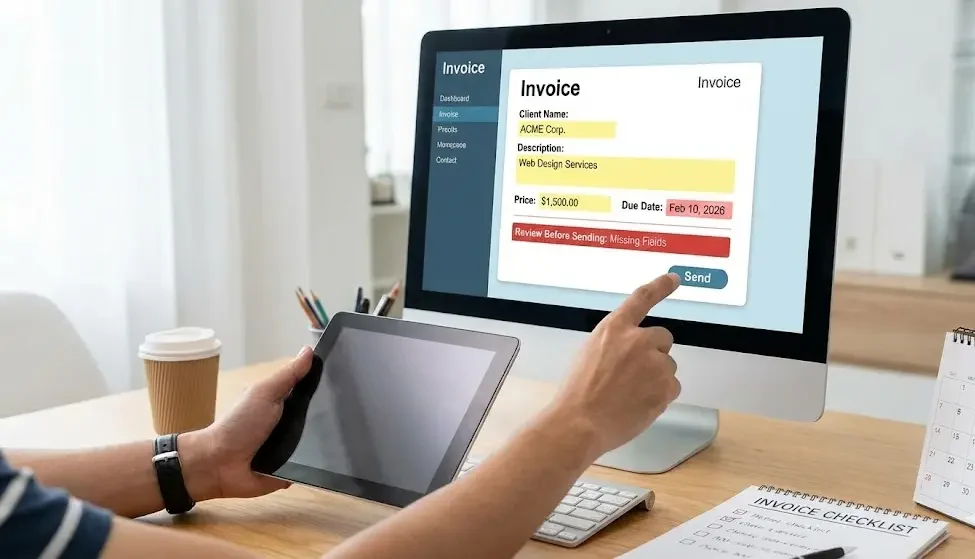
Most platforms will highlight incomplete fields, helping you catch errors before invoices are sent.
Delivering Invoices Digitally
Digital delivery ensures speed, reliability, and traceability. Invoices can be sent via email directly from the platform or exported as a PDF for client use. This reduces the risk of lost or delayed invoices and allows for easy record-keeping.
Tracking Invoice Status
Online platforms often provide dashboards that indicate the status of each invoice:
- Sent
- Viewed
- Paid
- Overdue
Real-time tracking allows you to monitor cash flow, identify late payments, and take timely action without manually maintaining spreadsheets.
Using Automated Reminders
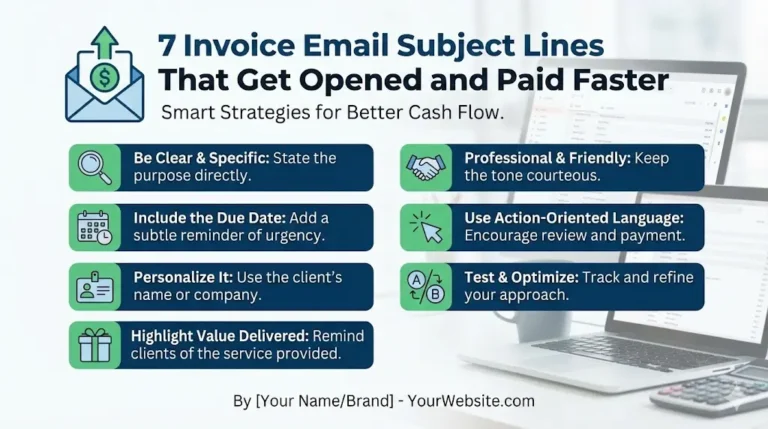
Many invoicing systems include automated or customizable reminders. Pre-written, professional messages can be scheduled to alert clients about upcoming or overdue payments. This reduces administrative effort and ensures consistent communication.
Maintaining Organized Digital Records
Invoices are stored securely online, providing easy access whenever needed. Benefits include:
- Quick retrieval of past invoices
- Downloadable copies for tax purposes
- Simplified recordkeeping for audits or reviews
Digital organization eliminates the need for complex filing systems and minimizes the risk of misplaced documents.
Common Mistakes to Avoid
Even without accounting expertise, certain mistakes can be avoided with careful attention:
- Inconsistent invoice numbering
- Delayed invoice delivery
- Incorrect client details
- Overlooking taxes, discounts, or totals
Developing good habits ensures accuracy, professionalism, and stronger client relationships.
Enhancing Efficiency with Best Practices
To further streamline invoicing:
- Set default templates for recurring invoices
- Keep client information up-to-date
- Conduct thorough reviews before sending
- Monitor outstanding invoices regularly
These habits improve efficiency, reduce stress, and help maintain accurate records.
Gradually Expanding Capabilities
As your business grows, consider leveraging additional features of online platforms, such as:
- Multi-currency invoicing
- Recurring invoices for subscription-based services
- Automated tax calculations and compliance features
- Integration with accounting or CRM tools
Starting with basic functionality builds confidence and accuracy, while gradually incorporating advanced features improves overall efficiency.
Conclusion
Creating professional invoices online is accessible to anyone, regardless of accounting experience. By choosing a user-friendly platform, using templates, relying on automated calculations, and keeping records organized, freelancers and small business owners can handle invoicing effectively and efficiently. Clear processes, timely delivery, and transparent payment terms foster professional relationships, maintain cash flow, and ensure accurate financial records.
Modern online invoicing tools empower individuals and small businesses to create accurate, professional invoices while saving time and reducing errors. By following structured steps, practicing good habits, and gradually expanding capabilities, even those without prior accounting knowledge can manage invoicing confidently. A reliable invoicing system supports business growth, strengthens client trust, and ensures that your operations run smoothly and professionally.