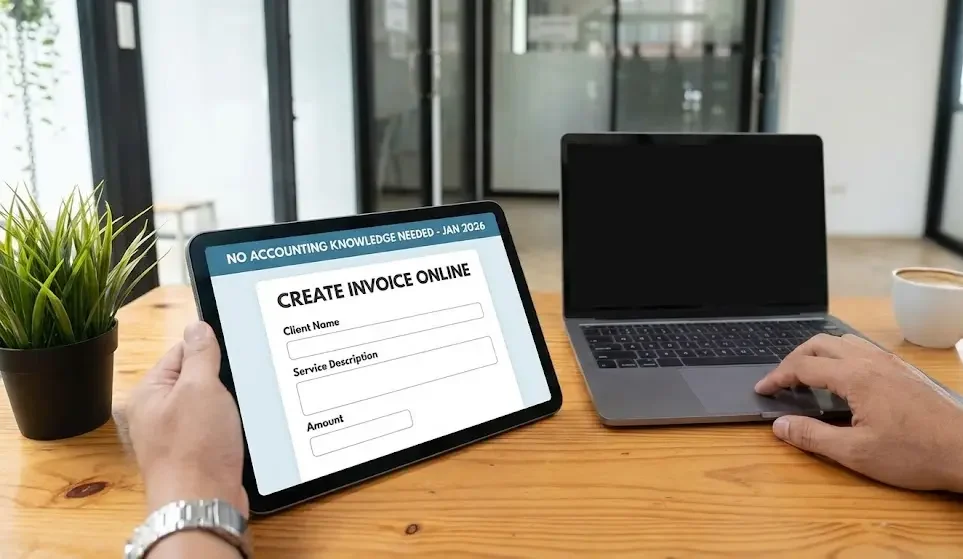
Creating invoices is a necessary task for freelancers, startups, and small business owners. Many people assume invoicing requires accounting expertise, but modern online tools have made the process simple and accessible. With the right approach, anyone can create accurate and professional invoices online without prior accounting knowledge.
Choose a User-Friendly Online Invoicing Tool
The first step is selecting an online invoicing platform designed for non-accountants. Many tools are built with simple interfaces, guided forms, and automatic calculations. Look for a system that offers ready-made templates, clear labels, and minimal technical terminology. Ease of use is more important than advanced accounting features.
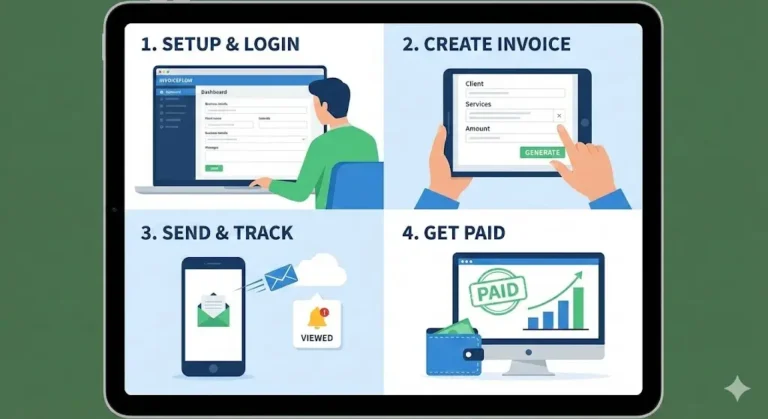
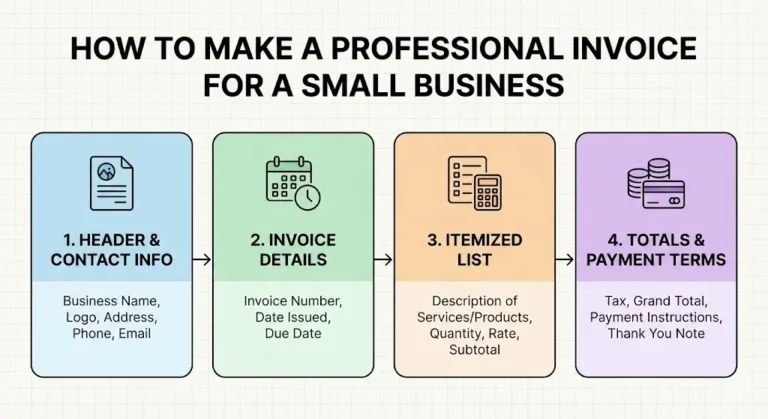
Set Up Basic Business Details
Online invoicing systems usually require you to enter basic business information once. This typically includes:
Business name
Contact details
Business address
Logo (optional)
This information is automatically added to every invoice you create, eliminating the need for repeated data entry.
Add Client Information Carefully
Most online tools allow you to save client details for future use. You only need basic information such as:
Client name or company name
Billing address
Email address
Saving client profiles helps avoid mistakes and speeds up invoice creation.
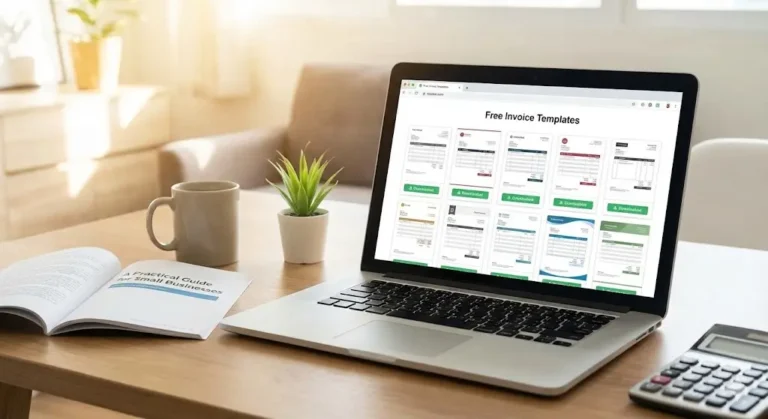
Use Pre-Designed Invoice Templates
Invoice templates remove the need to design or structure invoices manually. Templates already include essential fields in the correct order, such as dates, invoice numbers, and totals. You simply fill in the blanks. This reduces confusion and ensures your invoices meet common business standards.
Enter Services or Products Clearly
You do not need accounting knowledge to describe what you are billing for. Online invoicing systems guide you through entering:
A short description of the service or product
Quantity or hours worked
Price per unit or hourly rate
The system calculates totals automatically, so you do not need to perform manual math.
Let the System Handle Calculations
One of the biggest advantages of online invoicing is automatic calculation. Subtotals, taxes, discounts, and final totals are generated by the system. This removes the risk of arithmetic errors and ensures consistent results, even for users with no financial background.
Set Simple Payment Terms
You can select or enter straightforward payment terms such as:
Payment due in 7, 14, or 30 days
Accepted payment methods
Clear payment terms help clients understand expectations and reduce payment delays. Most systems offer pre-written options, so you don’t need to create complex financial language.
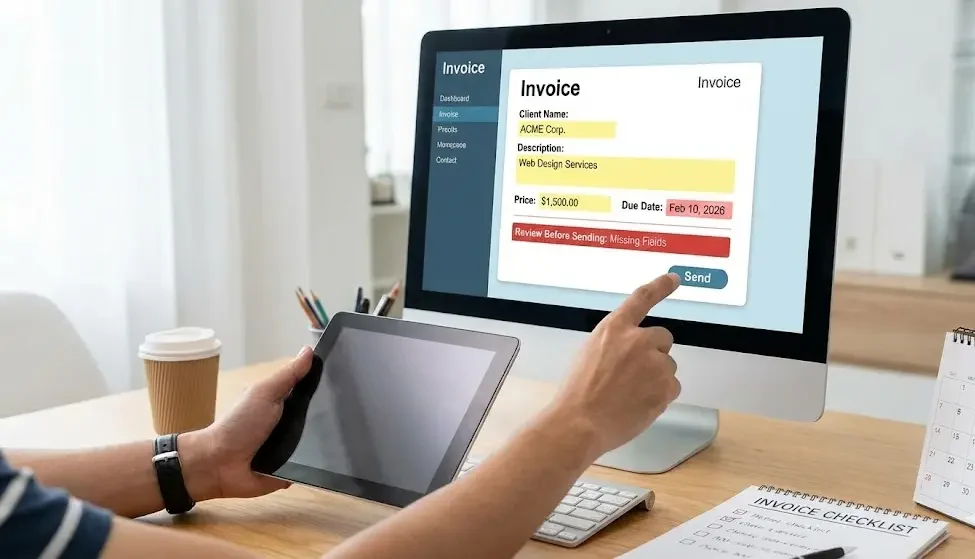
Review Before Sending
Before sending the invoice, review it for accuracy. Check:
Client details
Descriptions and prices
Due date
Online systems often highlight missing fields, making it easier to catch errors without accounting knowledge.
Send the Invoice Digitally
Once reviewed, invoices can be sent directly through the platform via email. Some systems also generate a downloadable PDF. Digital delivery is fast, reliable, and reduces the risk of lost invoices.
Track Invoice Status Easily
Sent
Viewed
Paid
Overdue
You do not need to manually record payments or maintain spreadsheets. Visual dashboards show outstanding invoices at a glance.
Use Built-In Reminders
Many platforms include automatic or manual payment reminders. These reminders are pre-written and professional, allowing you to follow up without drafting messages or understanding accounting procedures.
Keep Records Organized Automatically
Invoices are stored securely online, making it easy to:
Find past invoices
Download copies
Prepare records for taxes or reporting
This eliminates the need for filing systems or accounting software expertise.
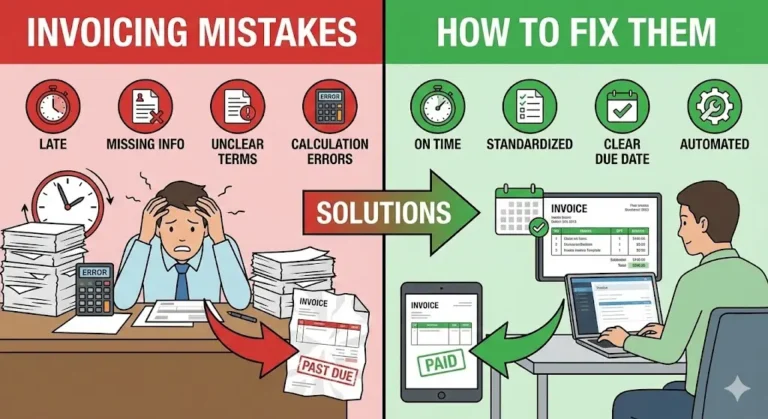
Common Mistakes to Avoid
Even without accounting knowledge, you can avoid common issues by:
Using consistent invoice numbers
Sending invoices promptly
Reviewing details before sending
Keeping client information updated
Good habits matter more than technical skills.
Conclusion
Creating an invoice online does not require accounting knowledge. With user-friendly invoicing tools, pre-designed templates, automatic calculations, and built-in tracking, anyone can produce professional and accurate invoices. By following simple steps and relying on modern systems, individuals and small businesses can manage invoicing confidently, efficiently, and without financial expertise.